
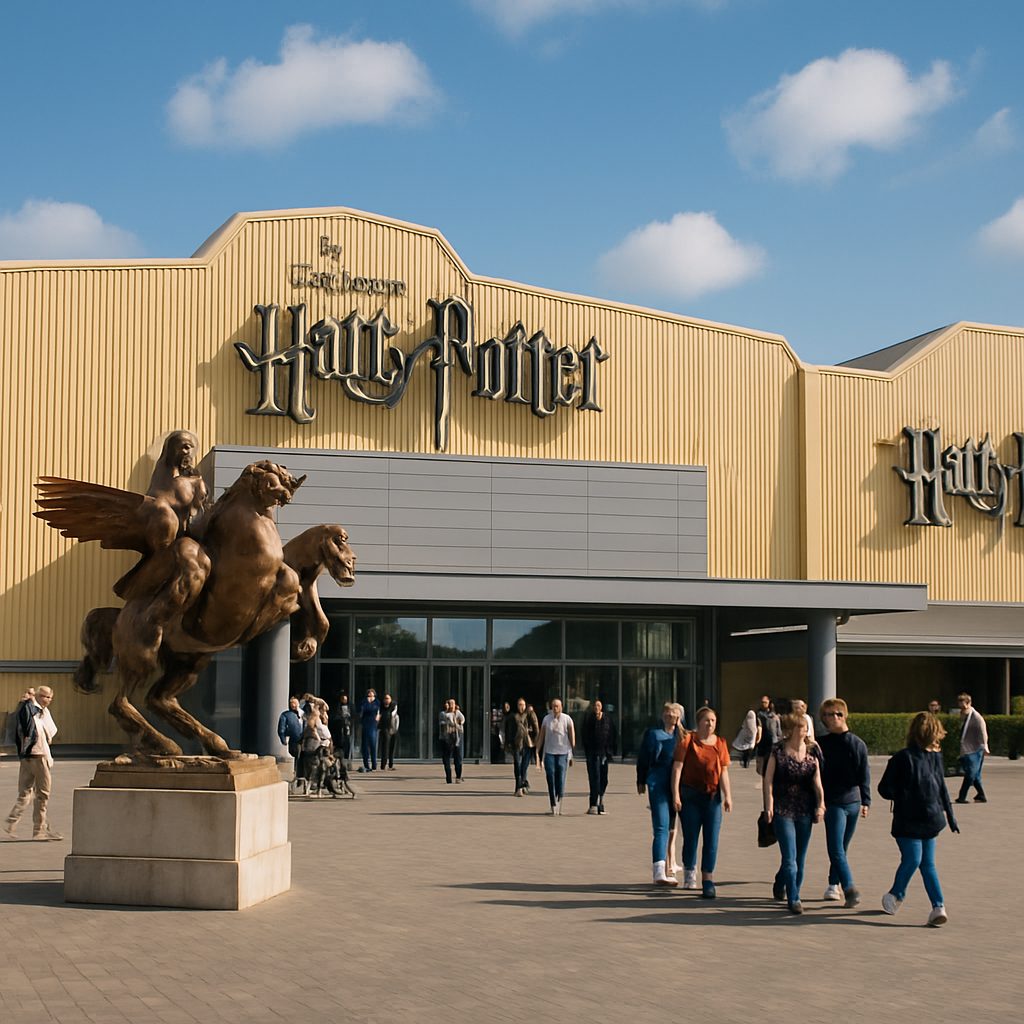
Don’t leave the magic in your phone gallery: how to save photos from the Harry Potter Studio Tour
After the Warner Bros. Studio Tour London, you can easily accumulate a whole collection of shots: sets, costumes, props, and group photos with friends. To avoid transferring them to I'M IN one by one, use the "Batch Photo Upload" feature — it allows you to add up to 10 images at a time.
How it works
Create a new event in the app, open the "Add Media" section, and select "Gallery (photos)". Mark up to 10 desired pictures and upload them simultaneously. For example, you can gather shots from the Great Hall, Forbidden Forest, Diagon Alley, or photos by your favorite sets in one batch.
It’s also convenient that you can add a shared title and description for all selected photos at once. You won’t have to repeat where exactly the shots were taken and who you were with each time. If the photos contain GPS tags, the event will receive the corresponding coordinates.
Why this will come in handy
The Warner Bros. Studio Tour London is an exhibition route with real sets, costumes, and props created for the Harry Potter films. That’s why it’s easy to snap more in one day than you want to sort manually: from the Great Hall and Diagon Alley to the Forbidden Forest and other recognizable locations.
Batch uploading will help you quickly gather the entire day in one place, without losing important moments among ordinary photos on your phone. And then it’s easier to share this collection with friends — especially if everyone photographed their part of the magical walk.
So if you have a gallery left after the studio that you’re too lazy to sort through one shot at a time, try uploading it in parts. Which photo from your magical journey would you add first?